

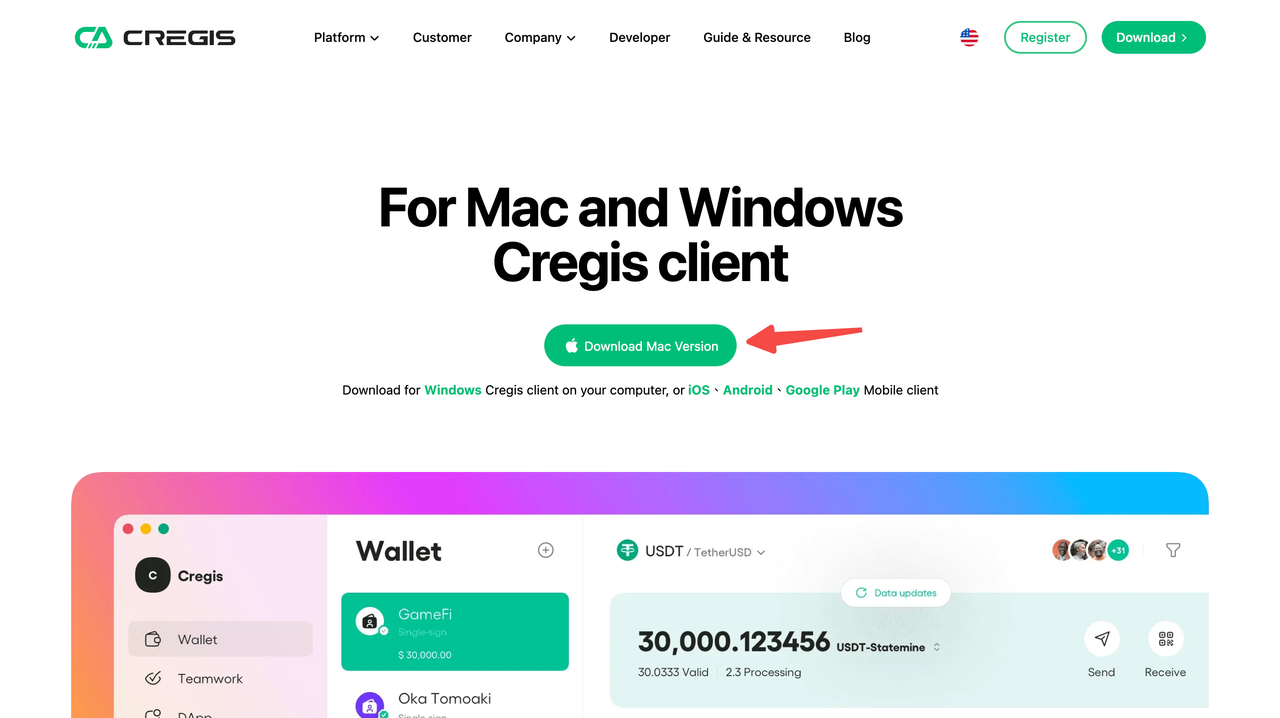
Download the Cregis PC Client
Visit the download link https://www.cregis.com/download Select your operating system to download the corresponding Cregis installation package. The package sizes are approximately:- Mac: 148M
- Windows: 105M
Register an Account and Log In
For details, refer to Registration and Login- Register a Cregis account
- Bind Google Authenticator
- Log in to your Cregis account
Generate API Key
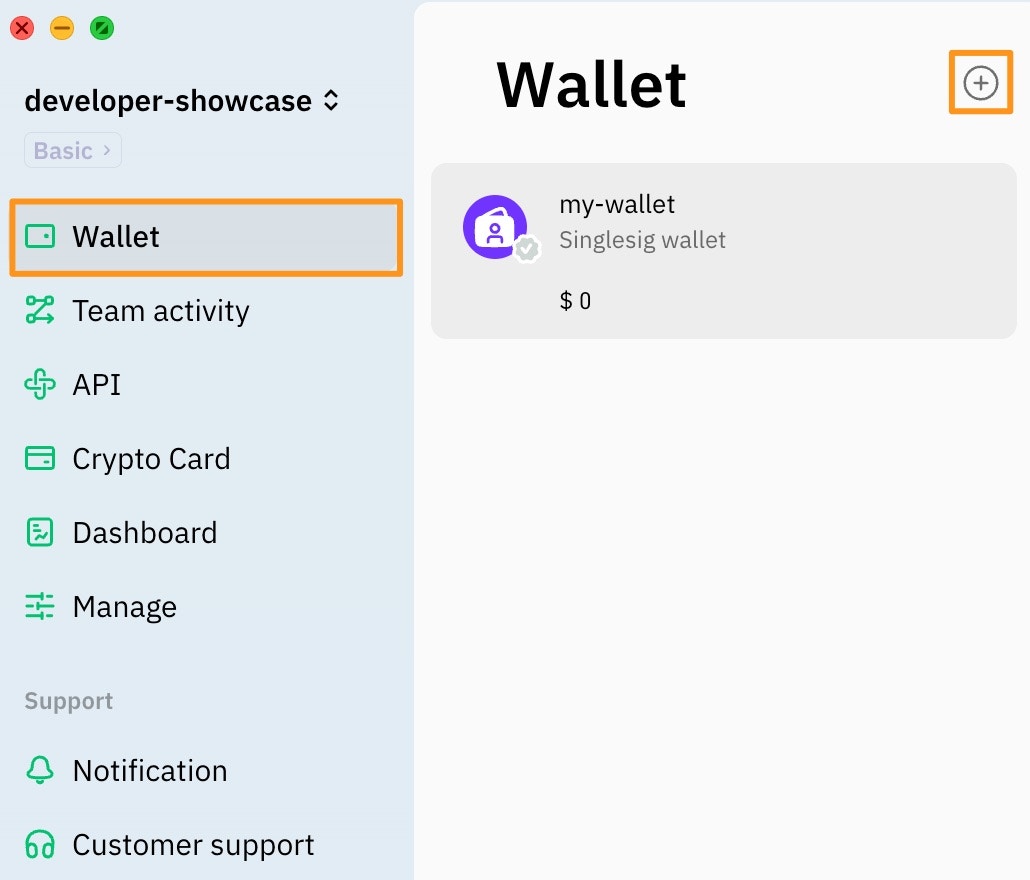
- Open the Cregis App
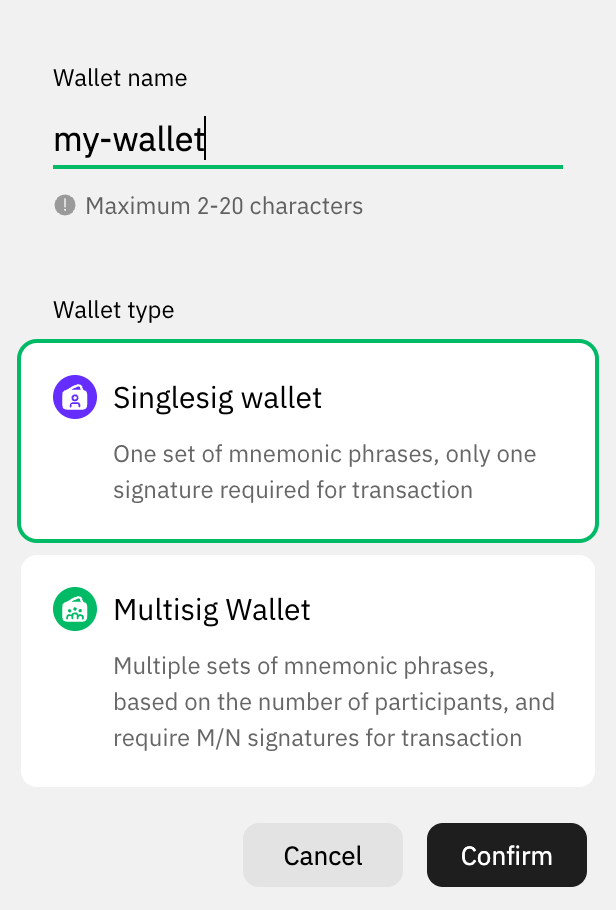
- In “Wallet”, create a wallet named “my-wallet”
- Create Project
Test API Key
- Choose the SDK you need: Java, Go, PHP, C#
- Prepare the 3 key pieces of information required by the SDK: API Key, Gateway Server, Project NO.
- Java Test Case