> ## Documentation Index
> Fetch the complete documentation index at: https://developer.cregis.com/llms.txt
> Use this file to discover all available pages before exploring further.
# Quick Start
> Quickly learn how to use the Cregis Developer API
## Download the Cregis PC Client
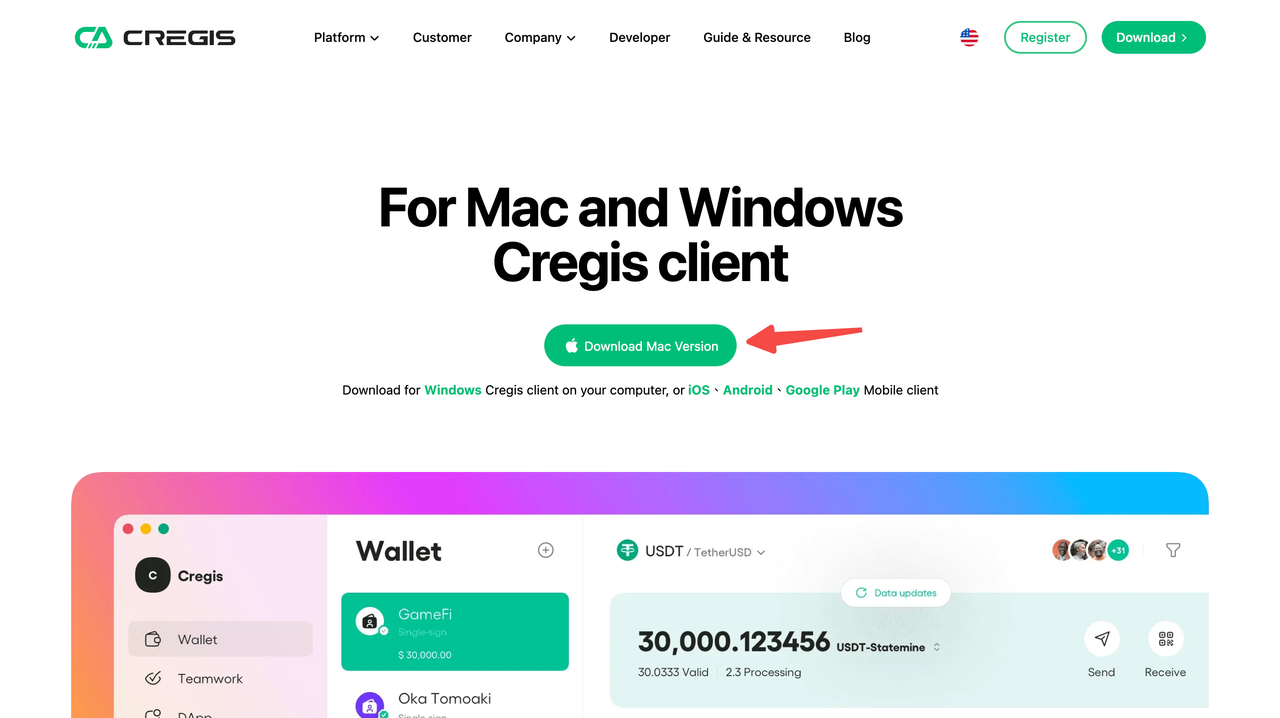
Visit the download link [https://www.cregis.com/download](https://www.cregis.com/download)
Select your operating system to download the corresponding Cregis installation package. The package sizes are approximately:
* **Mac**: 148M
* **Windows**: 105M
## Register an Account and Log In
For details, refer to [Registration and Login](https://support.cregis.com/getting-started/publish-your-docs)
1. Register a Cregis account
2. Bind Google Authenticator
3. Log in to your Cregis account
## Generate API Key
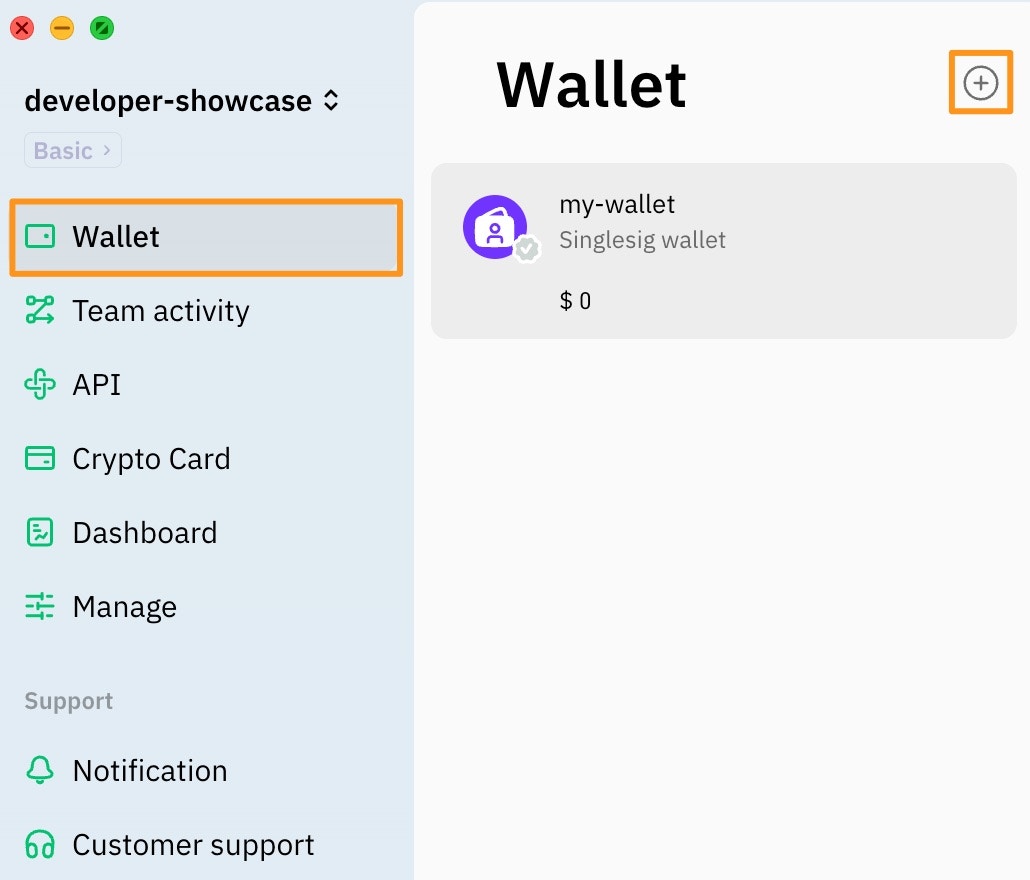
1. Open the Cregis App
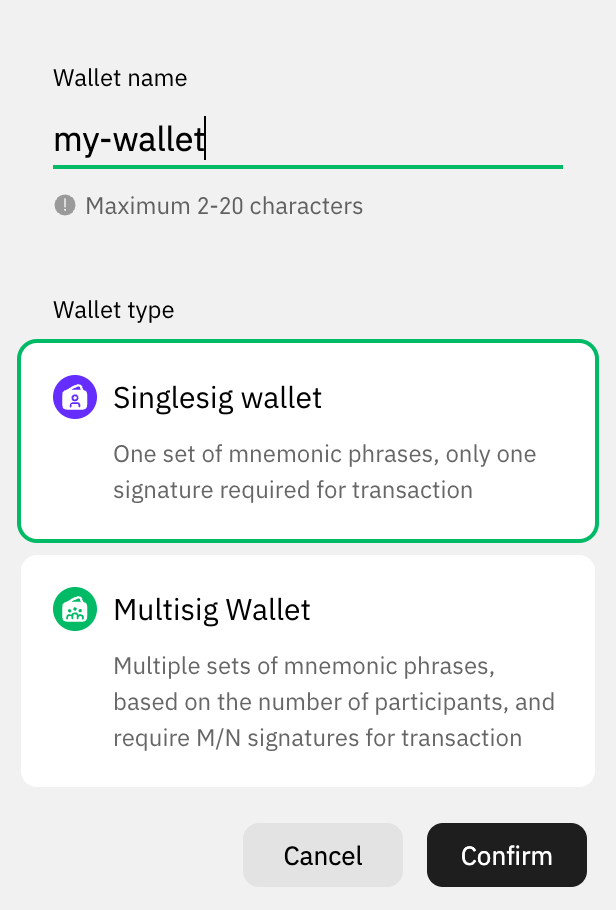
2. In "Wallet", create a wallet named "my-wallet"
3. Create Project
\-- [*API*](https://support.cregis.com/api/api-manual/creation)
\-- [*Payment Engine*](https://support.cregis.com/payment-engine/creation)
Please keep your **API Key**, **Gateway Server**, and **Project NO.** safe and do not share them with others.
## Test API Key
1. [Choose the SDK you need](/sdk-tool/sdk): Java, Go, PHP, C#
2. Prepare the 3 key pieces of information required by the SDK:
API Key, Gateway Server, Project NO.
3. [Java Test Case](https://github.com/0xcregis/cregis-java-sdk/blob/master/cregis-sdk-core/src/test/java/com/cregis/core/HutoolClientTest.java)
For details on constructing HTTP Requests, refer to [Request Description](/api-reference/request)